A native Markdown editor for macOS

Markdown without the noise.

A calm place to read, write, and keep your words. Local-first, keyboard-friendly, and built to stay out of your way.

macOS 14+ · Local-first · No account

Inside the app

Everything you need. Nothing you don't.

A focused set of tools for reading, writing, and keeping Markdown files on your Mac.

Read beautifully

Comfortable typography, restrained spacing, and Light, Dark, or System themes. The page gets out of the way.

Write without friction

Move between reading, editing, and a live split view. Syntax highlighting, line numbers, find and replace, and a word count.

Find anything

An outline for structure and Quick Find for everything else. Search reading mode with context, then jump straight there.

Images, handled

Paste or drag an image into the editor. MarkMarkDown keeps it beside the document in a relative assets folder.

Yours to keep

Export HTML or PDF, print, and share. Your work stays ordinary Markdown, readable in any editor, on any machine.

Private by default

No account, no cloud lock-in, no analytics. Files stay on your Mac, and the app respects the App Sandbox.

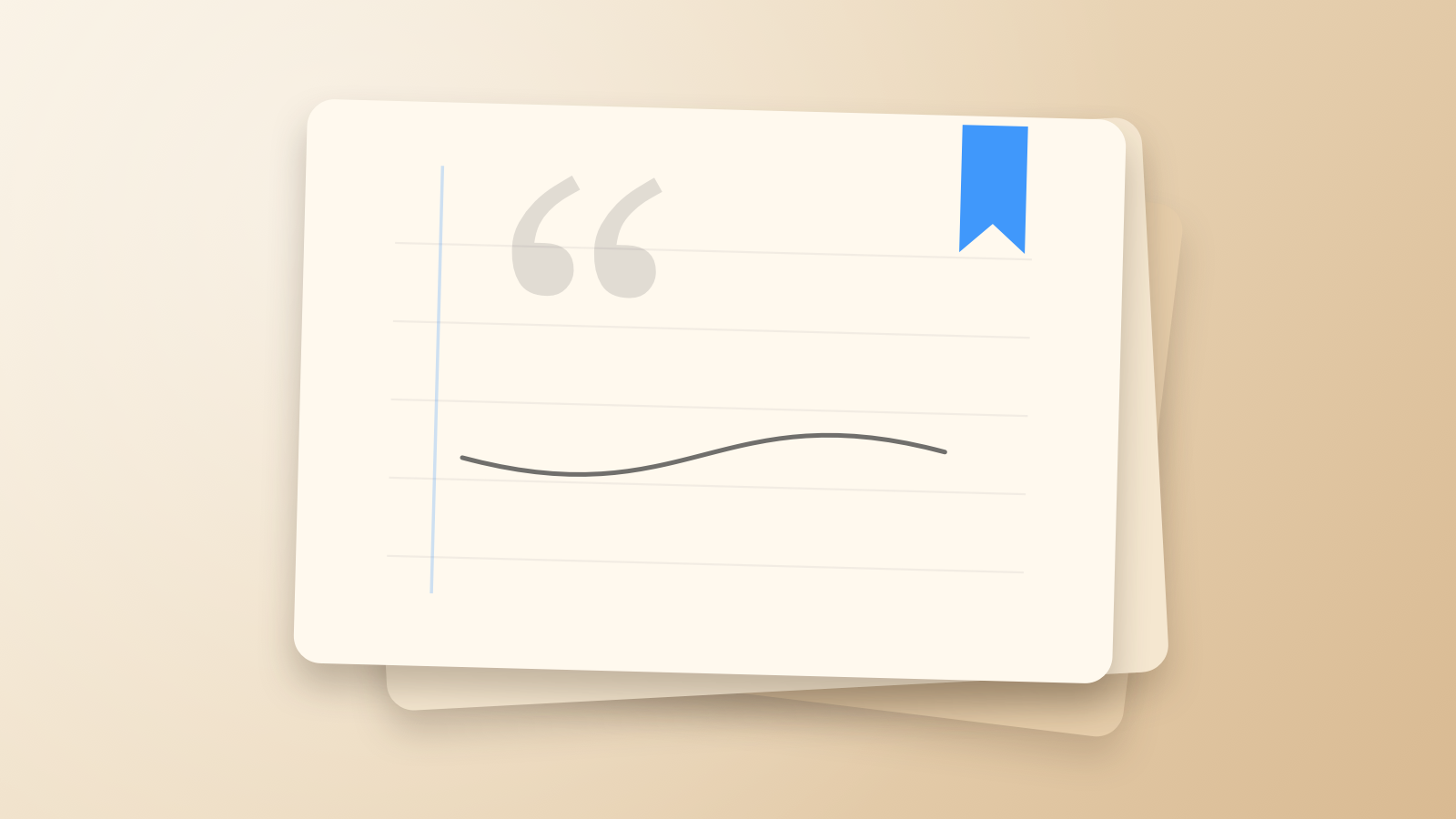
An editorial illustration of stacked paper, a quotation mark, and a blue bookmark

A slower kind of software

A quieter place to think.

Most writing tools want to help in ways that are visible. MarkMarkDown takes a different approach: the page is paper, the outline is a map, and the rest of the screen is yours.

  • Auto-save, draft recovery, and external-change detection
  • CommonMark and GitHub Flavored Markdown
  • A single window, native menus, and keyboard-first shortcuts

Built for the Mac

At home on macOS.

Native toolbar, native file panels, native printing. MarkMarkDown is designed for the way a Mac feels, not adapted from something else.

  • macOS 14 or later
  • Settings, recents, and recent folders that stay on your Mac
  • App Sandbox with secure, user-granted folder access

Coming soon to the Mac App Store.

A calm, local-first Markdown editor is on its way. In the meantime, questions and feedback are always welcome.

Get in touch